

Download
Get Sovona for Windows.
Private dictation that runs on your own PC. Install it in seconds and try every feature free for 7 days.
Download for Windows
The download isn't available just yet. It will be here shortly. Leave your email or contact us and we'll let you know.
- Windows 10 or 1164-bit
- Every feature freefor 7 days
- 90+ languageson your PC
- Automatic updatesalways the latest
After you download
Two minutes to your first words.
- 01
Run the installer
Open the file you downloaded. Sovona installs for your Windows account and opens the welcome tour.
- 02
Sovona sets itself up
It picks the best speech engine for your PC and downloads it in the background while you sign in.
- 03
Then it works offline
Once the engine is on your PC, dictation, notes and meetings keep working with no internet at all.

Want the full walkthrough and every shortcut? Read Getting Started

A clean install, nothing hidden.
- No toolbars, no bundled extras, no browser changes.
- On the Local plan, your words stay on your PC. Nothing you say is uploaded.
- Uninstall any time from Windows Settings, like any other app.
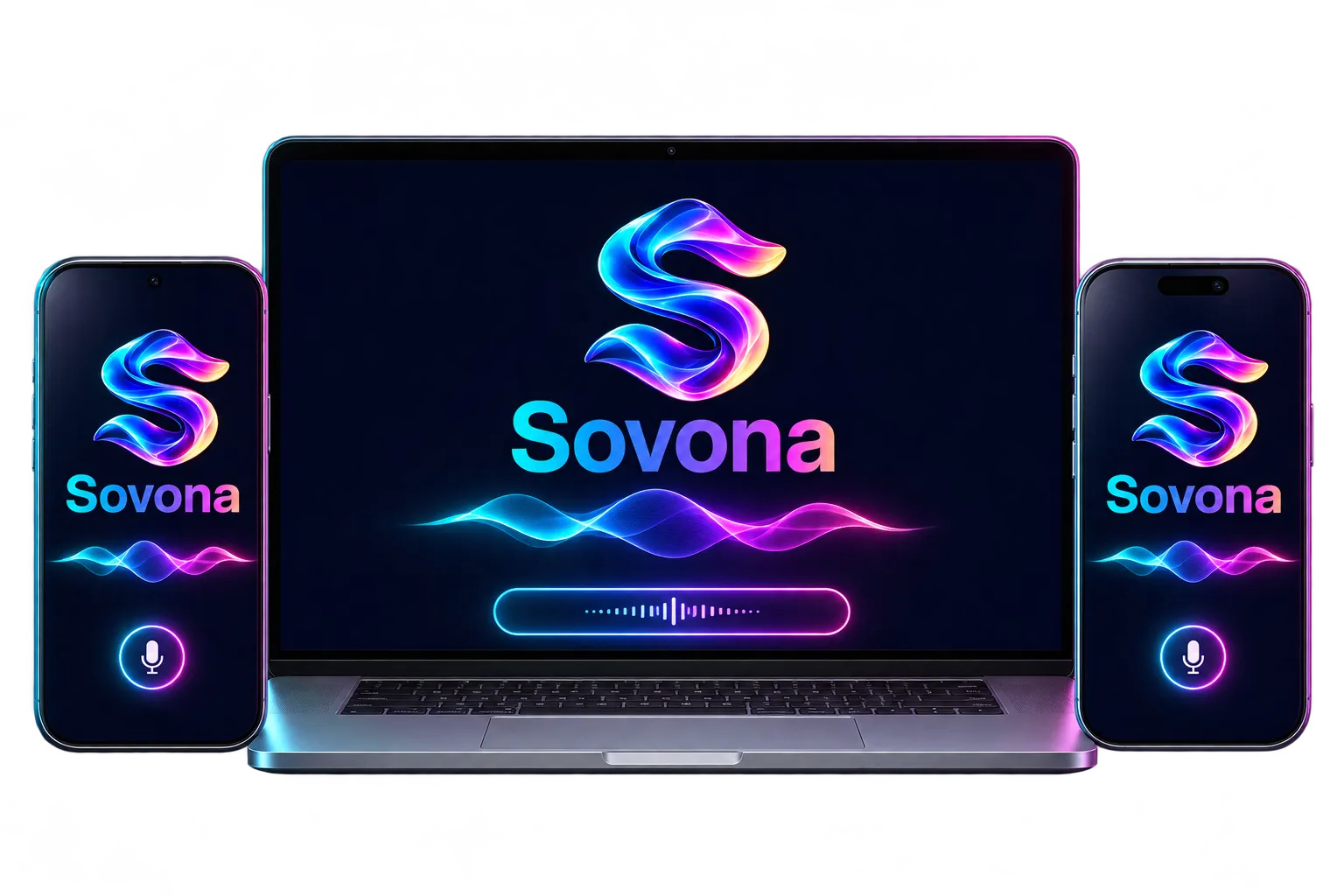
Coming soon
Sovona for Mac, iPhone and Android
We're building them now. Leave your email at the bottom of this page and we'll send one email on launch day.
Get notified